
4 Best Essay Writing Software
Writing an essay is a daunting task for many students, but it doesn’t have to be! With the right software, you can make the process of writing your essay fast and easy. In this article, we will look at the best essay writing software so that you can choose one that best suits your needs. From comprehensive writing assistance to helpful editing tools, these software programs can help you craft a well-crafted and polished essay in no time. Each of these tools has its own unique features and functions, so you are sure to find one that meets your needs.

Need the Overall Best Essay Software?
We recommend you save your time and try Wordhero. It’s the top AI writing assistant on the market for writing essays, articles, blog posts, and much more. Give it a try and unlock the lifetime deal while it lasts.
Here are the 5 Best Essay Writing Software:
1. Scrivener
Best for: students, novelists, screenwriters, non-fiction writers, academics, and translators
Scrivener is a popular choice for writers of all kinds, from novelists to essayists. This software offers a variety of features that are designed to help organize and streamline the writing process. For example, users can break up their work into different sections, with each section having its own binder, corkboard, and outliner. Scrivener lets you research ideas and write essays, books, and manuscripts. The corkboard allows for the visual organization of ideas by allowing users to drag and drop virtual notecards onto the board. The outliner makes it easy to move through big ideas by creating hierarchical outlines.

Scrivener also includes an array of research tools such as the ability to upload images and PDFs directly into your project file. Lastly, users can export their projects in various formats including Kindle and ePub files as well as HTML pages or Word documents. All things considered, Scrivener provides everything an essay writer needs when it comes to organizing information, research material, and ultimately completing their essay efficiently.
Scrivener Pros and Cons
Pros
- Scrivener offers a 30-day free trial that provides access to all its features before committing to a purchase.
- It offers a variety of free templates to choose from, catering to the diverse needs of different writers (screenwriters, poets, etc.).
- Personalized setup and interface options allow for customization to suit individual needs.
- Scrivener provides key features that are useful throughout all stages of the writing process.
- It offers helpful tutorials to guide users through its features.
- It has a wide range of formatting tools that make editing easier.
- Scrivener provides an organized system of folders with customizable labels that help users to keep their projects organized and find what they need quickly.
- It has a ‘snapshot’ feature that allows users to take snapshots of their work at different points in the writing process, making it easier to go back if needed without losing progress.
Cons
- If you use both a Mac and a Windows computer, you will need to purchase a license for each platform.
- Scrivener has a steep learning curve, and mastering all its features may take some time.
Scrivener Pricing
- Scrivener Standard License for Windows/macOS $59.99
- Scrivener Educational Licence for Windows/macOS $50.99
- Scrivener Bundle (for macOS & Windows) $95.98
2. Wordhero
Best for: long-form content and copywriting, including e-commerce, essays, books, novels, recipes, and blog articles
Wordhero is similar to Jasper, although it does not offer many features and integrations compared to Jasper, Wordhero is an affordable alternative. It is can be utilized for developing long-form content like articles, blog posts, essays, books, novels, and stories, as well as short-form content such as marketing copies, blog titles, headlines, email content, social media ads, product descriptions, call-to-actions, and much more. Wordhero also has a long-form editor with a keyword assistant tool to assist you in getting SEO keywords of maximum use, and the software will attempt to incorporate these keywords into your articles to improve their rank on the search engines.
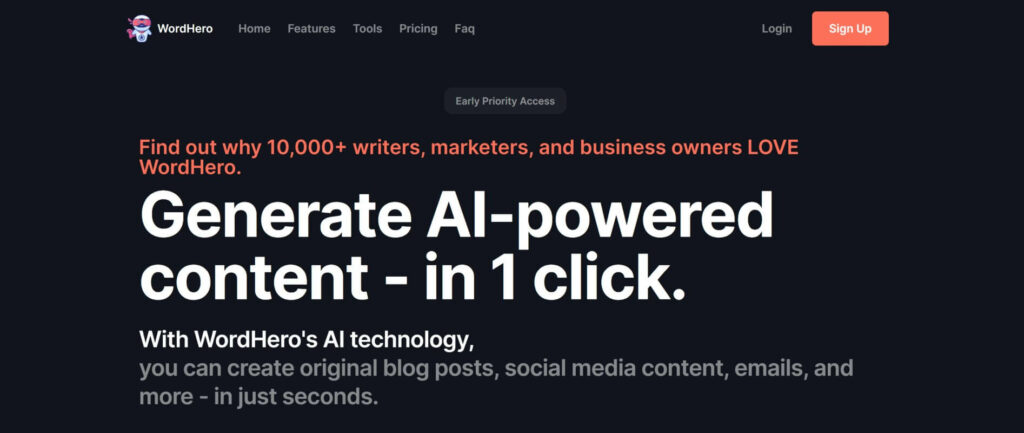
Wordhero Pros and Cons:
Pros
- Wordhero AI is a powerful tool for automating content creation, saving time and effort associated with manual writing.
- It can produce high-quality content quickly, allowing users to focus on other tasks.
- The AI can be customized to create content that is tailored to the user’s specific needs and preferences.
- Wordhero AI is cost-effective, making it accessible to businesses of all sizes.
- It continually improves its writing output over time based on user feedback and data analysis.
- Supports over 25 languages
- Affordable pricing compared to Jasper
- Unlimited words per month
Cons
- Wordhero AI lacks the boss mode, Chat, and Art image generator found in Jasper
- Wordhero also lacks some integrations with other editing tools or CMS like WordPress and third-party apps like Zapier.
- As with any AI writing software, you may need to fact-check the content generated based on your topic and inputs.
Wordhero Pricing:
Wordhero is $49 per month for unlimited words. If you pay yearly, it would cost only $29 per month ($348 per year).
3. Writesonic
Best for: writing essays, articles, blog posts, social media ads, marketing copies, product descriptions, and more.
Writesonic is another great AI writing platform for creating essays, articles, and SEO-optimized content that increases organic traffic to your website on Google. It has many useful AI templates and tools to help you write the perfect piece of content. Also, It can strategically place keywords, internal links, and external links in your generated content. And it allows you to share your content with other people using the Sonic editor (similar to Google Docs).
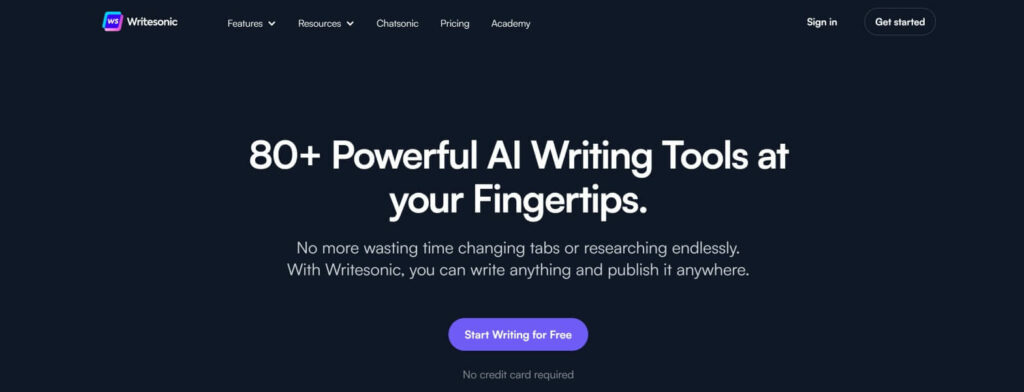
Writesonic Pros and Cons
Pros
- Generates natural content quickly
- Offers a user-friendly interface
- Provides over 50 advanced writing tools
- Ensures plagiarism-free and SEO-optimized content
- Adaptable to various topics and content types
- Eliminates typos and grammatical errors
- Offers a free trial, which is rare among AI writing tools
Cons
- The free trial does not provide enough credits to thoroughly test the software’s features
- The generated copy may not be completely accurate
- The content expander has a character limit
- The credit-based system can be inconvenient for long-form content generation
Writesonic Pricing
Writesonic starts at $19 per month for 47,000 words. You can save 33% when you pay yearly which makes the cost only $12.67 ($152.04 per year).
4. GoogleDocs
Best for: content editing, formatting, securing, and sharing documents online
Google Docs is a cloud-based word-processing software and a great tool for writing and editing essays. It makes the task of creating, editing, collaborating, and sharing documents easier than ever before. Google Docs features a wide range of features, such as a spell checker, auto-correct, real-time collaboration with other users on the same document, and the ability to access your work from any device. Additionally, you can add comments to documents for feedback or communication with other collaborators.
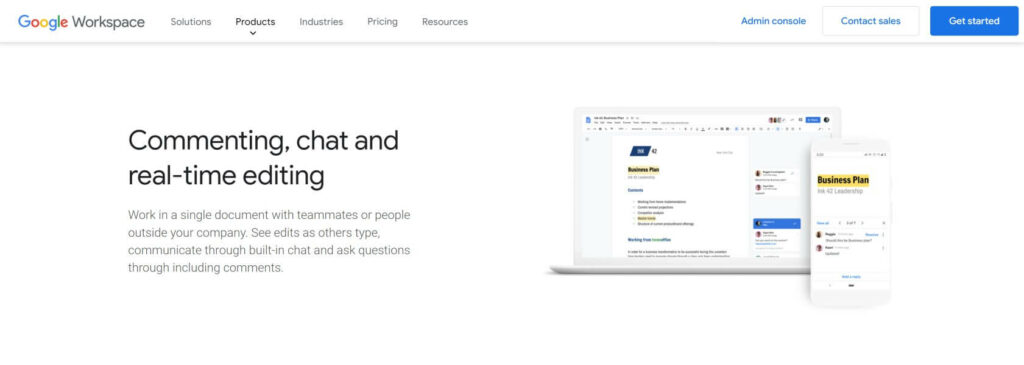
Another great feature is that it allows you to easily share your document with others who have access by simply entering their email address into the document’s sharing settings. Finally, Google Docs includes a powerful search function that helps you quickly find information within the document itself or across all of your files stored in Google Drive.
GoogleDocs Pros and Cons:
Pros
- Easy to use with a user-friendly interface
- Offers universal sign-in for all Google services
- Synchronizes with other Google services in the Google Workspace, including Mail, Voice, Calendar, Sheets & more
- Allows storing, sharing, and real-time editing with other people
- Includes a free cloud storage
- Features various add-ons and templates
Cons
- Provides limited graphic customization
- Many features are only available online, which may pose challenges for users who are offline and may encounter formatting issues
GoogleDocs Pricing:
GoogleDocs starts at only $6 per month for Business Starter, $12 per user per month for Business Standard, and $18 per user per month for Business Plus.
Each plan includes Google Docs, plus many other upgraded tools in the Google Workspace, including Gmail, Google Drive, Google Meet, Google Calendar, Google Chat, Jamboard, Google Sheets, Google Slides, Google Keep, Google Sites, and Google Forms.
In Conclusion
In conclusion, essay writing software can be an invaluable tool for students and professionals alike. Whether you are in the market for a comprehensive all-in-one solution or simply need help with editing and proofreading, these tools offer a wide array of features to make your essay writing process easier and more efficient.
While there is no one-size-fits-all approach to finding the best essay writing software for your needs, we hope our top 8 list has provided plenty of helpful options to get you started on your search. Ultimately, the goal is to find the best fit for your specific needs so that you can produce high-quality essays in a timely manner.